
Free to start · iOS & Android
Every run.
Every launch.
Down to the tenth.
Measure. Improve. Share.
Pick your car, floor it, and see exactly what it did — 0-100 km/h, 0-60 mph or the quarter mile, timed with GPS + IMU fusion.
Free for 0-100 km/h and 0-60 mph · no account · data stays on your device
During the run
Know your time.
Every sprint.
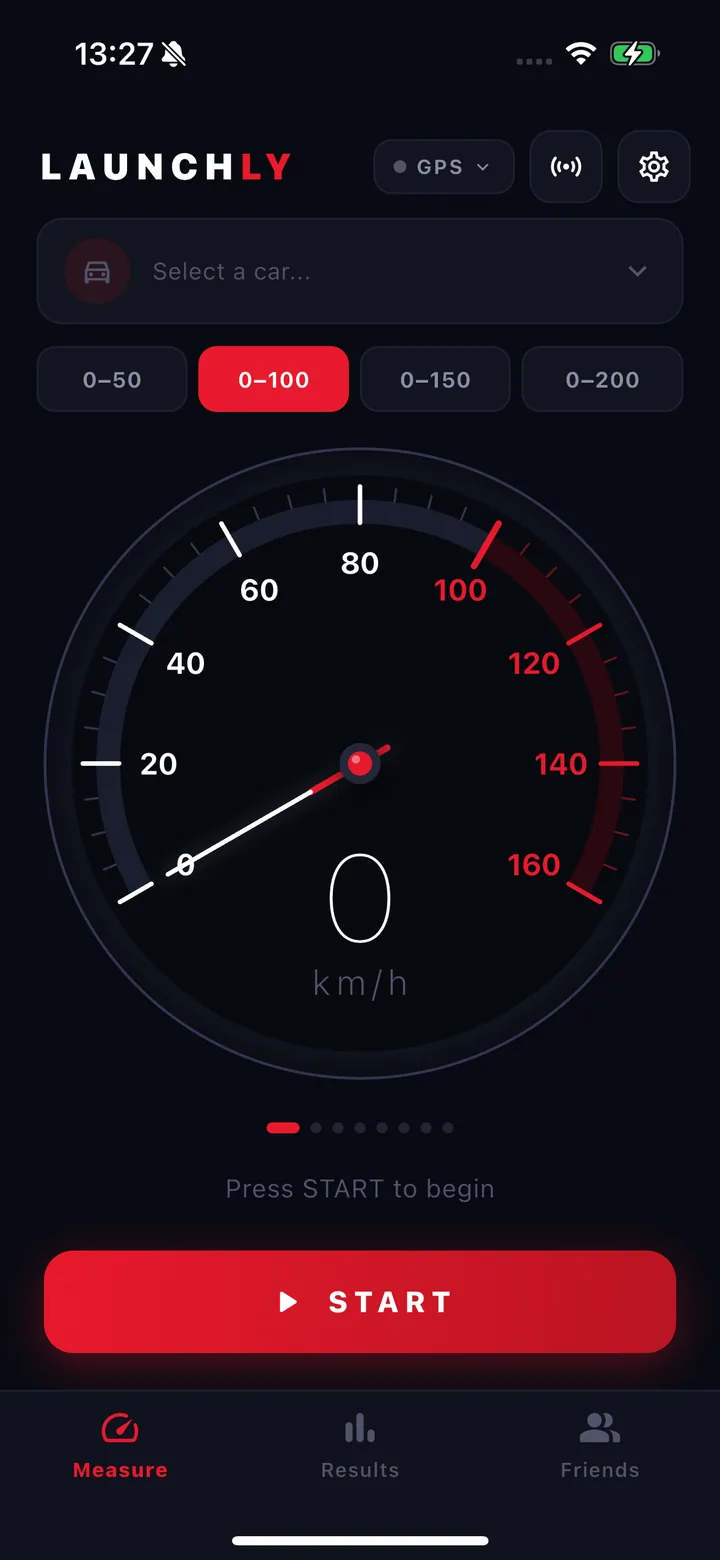
A big, readable gauge you can take in at a glance, even with your phone in a dashboard mount. Launchly detects the launch itself through the accelerometer, so your timing does not have to be perfect, and a chime tells you the moment the time has landed.
- Speed: 0-50 to 0-200 km/h, or 0-30 to 0-120 mph
- Distance: 100, 200, 400 m, the 1/8 and the 1/4 mile
- Automatic launch detection and split times at every line
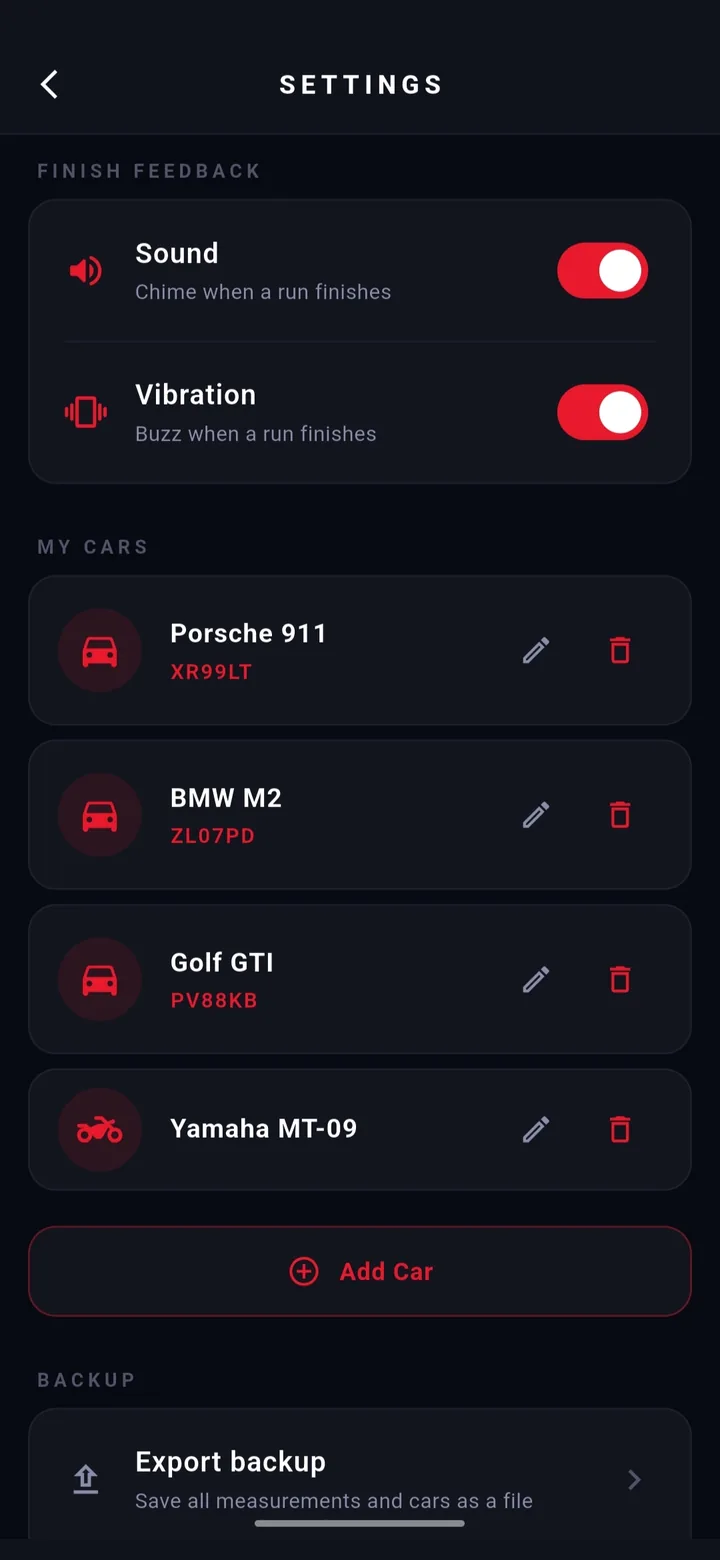
- A chime and a buzz on the finish, both switchable
Why it is accurate
GPS + IMU.
Down to the tenth.
Most phones deliver GPS just once per second. That is five data points across a four second launch — nowhere near enough on its own. Launchly reads the accelerometer at 100 Hz and fuses both signals, then refits the whole curve against every GPS anchor once the run ends.
- GPS Doppler speed, not position deltas
- 100 Hz accelerometer, gyro-corrected for car pitch
- Kalman fusion during the run, least-squares refit after it
- Start and finish moments interpolated, roughly ±0.05 s
- Or plug in a USB-C GNSS receiver on Android and run at 10 Hz
The curve beside you is a real run, exported from the app.
After the run
This is what
you did.
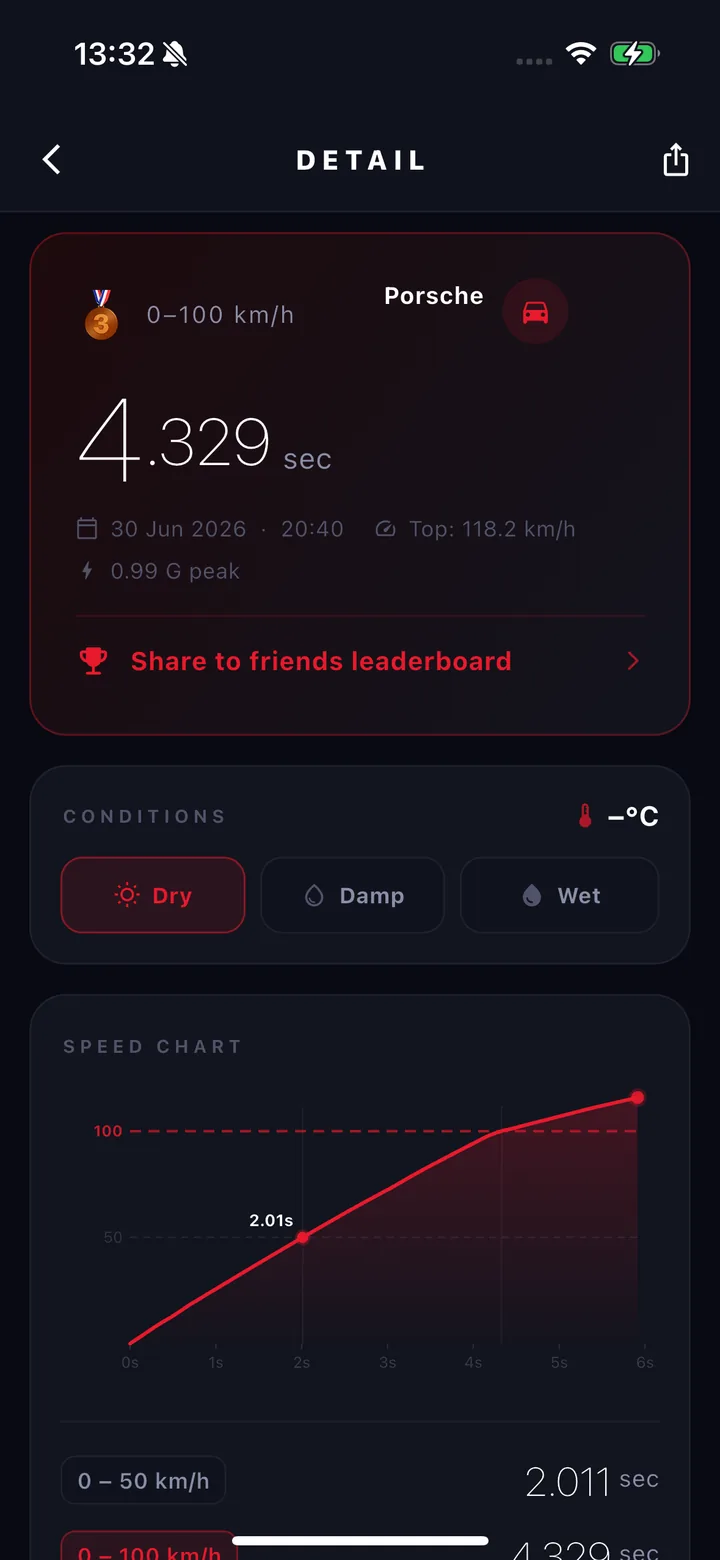
Every run is stored with its full speed curve, G-force trace and the conditions it was set in, so you can go back to any launch and see exactly what the car did — not just the number it ended on.
- Speed chart with split markers
- G-force trace and peak G
- Trap speed over the line on a distance run
- Dry, damp or wet conditions per run
- A share card for your run, and the raw log as JSON
Your garage
Bring your
whole garage.
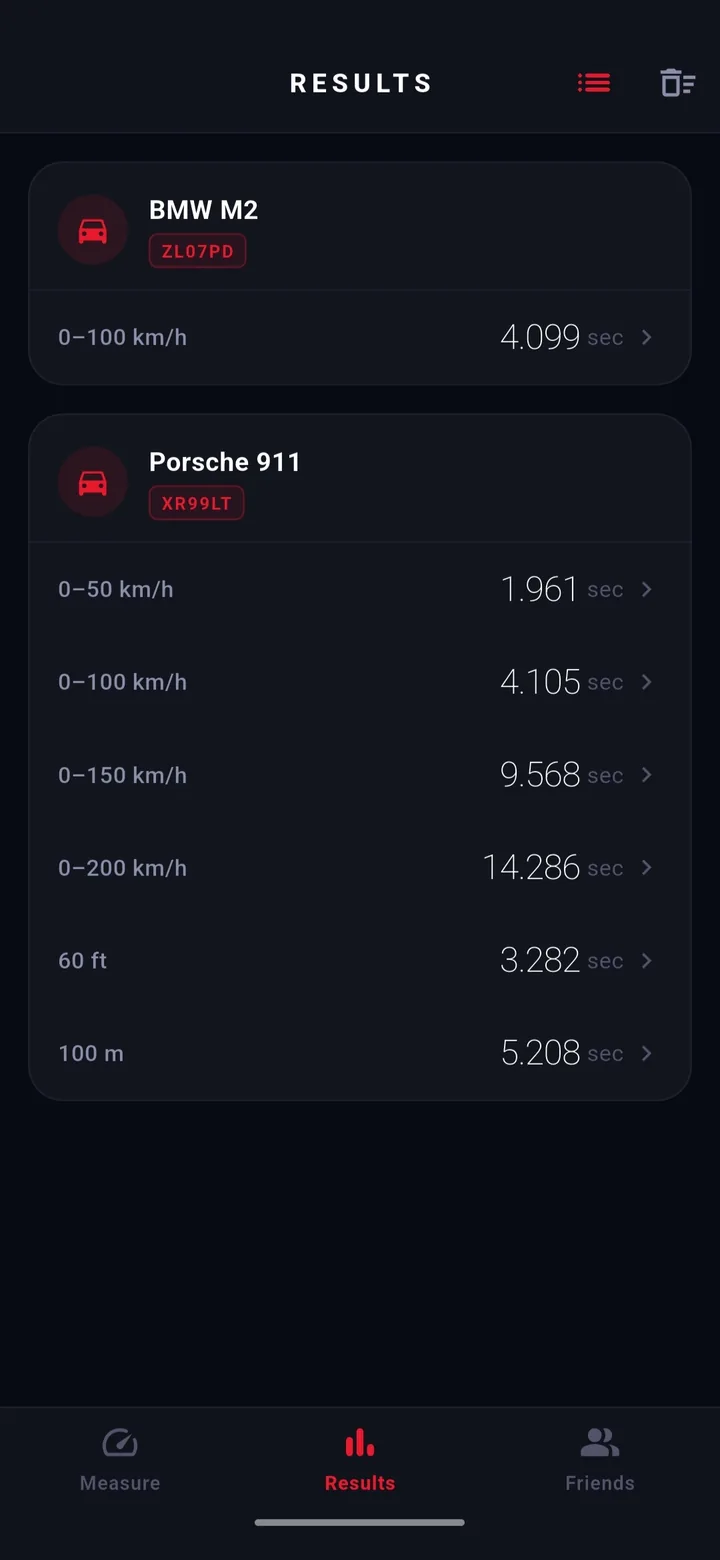
Every car, bike or van you drive, each with its own photo and licence plate. Dutch plates pull their registration details in automatically. Every run is filed against the vehicle that did it, so your times never get mixed up.
- A photo and licence plate per vehicle
- Cars, motorcycles, vans — anything you drive
- Dutch plates looked up automatically via the RDW
- Personal bests kept per vehicle
Gauge styles
Pick the dial
you want to watch.
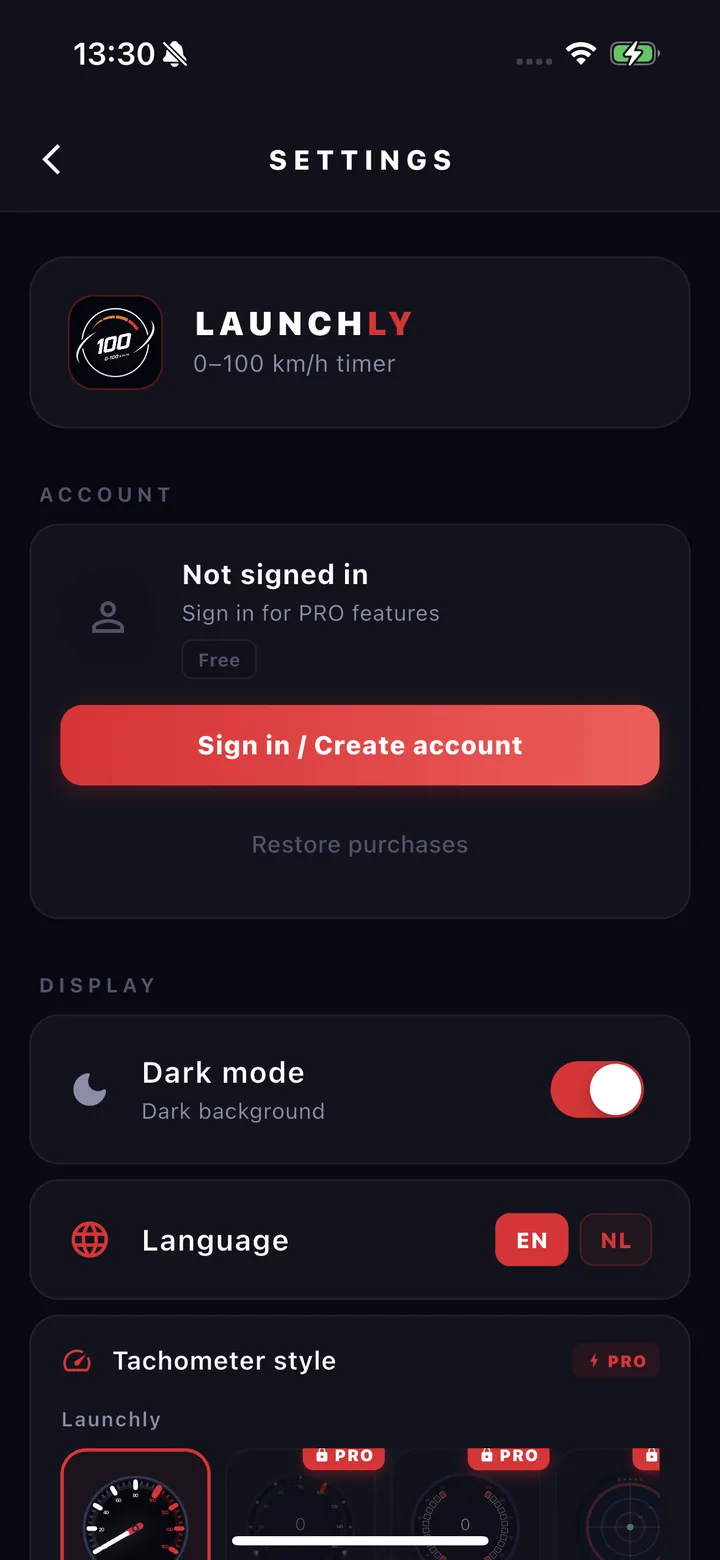
Swipe the dial on the measure screen to change face, or pick one in Settings. Classic is the readable one you can take in at a glance; G-Force swaps the speedometer for a live accelerometer readout showing exactly how hard the car is pulling.
Drag the dials to browse them, or pick one above.
Friends & PRO
Free to start.
Honest about PRO.
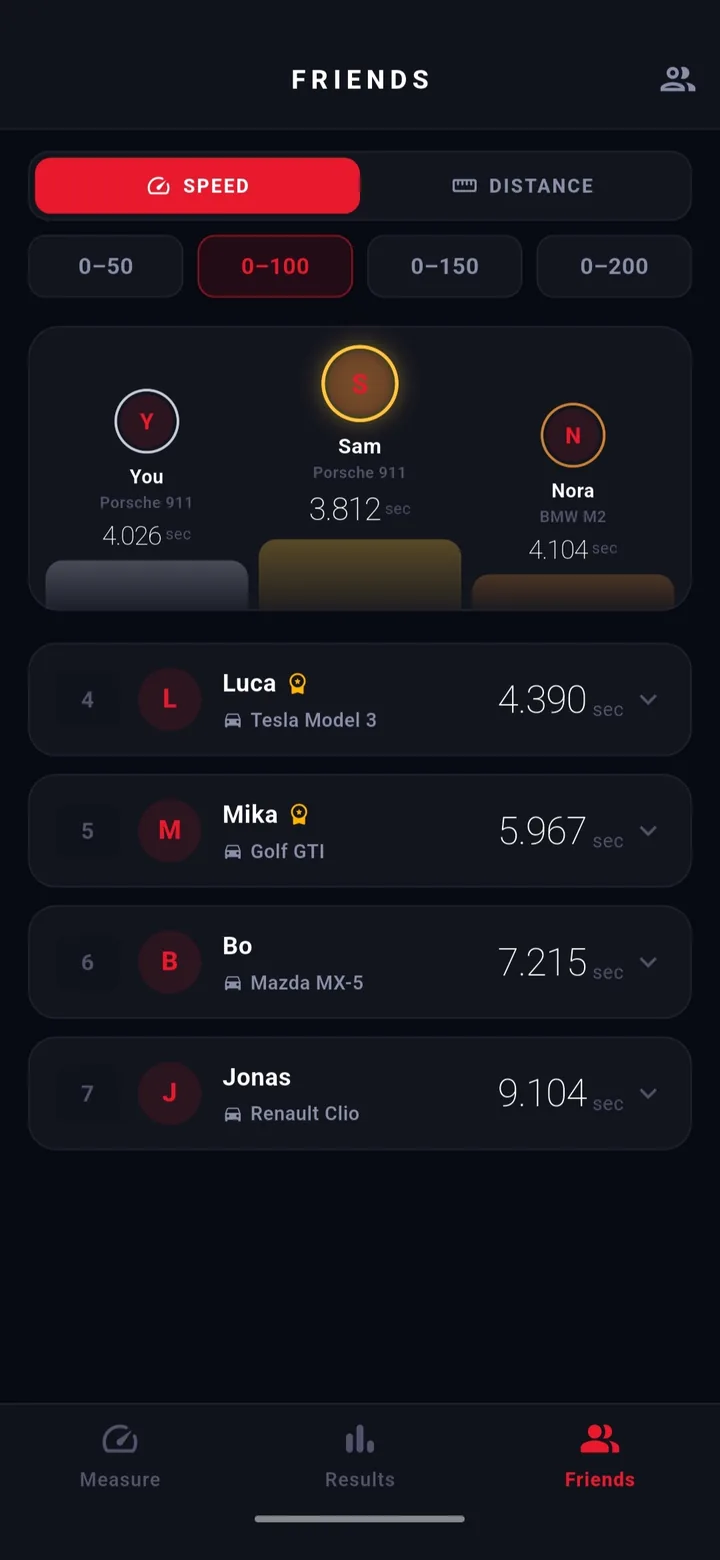
Add your friends and every shared run lands on one board, ranked per person and per car, top three on the podium. Metric and imperial runs sit on the same board and are compared on the same finish line. The board is free. PRO unlocks the rest.
Free
€0 / forever
- 0-100 km/h, or 0-60 mph
- 1 car in your garage
- Full history, speed chart and splits
- Friends leaderboard and sharing
- Distance runs and the other targets
- Gauge faces and the G-force chart
PRO
Launchly PRO
€2.99 / month
- Every speed target, 0-50 to 0-200 km/h
- Every distance, up to the quarter mile
- Unlimited cars
- Every gauge face
- G-force chart and the full leaderboard
Monthly or yearly, through the App Store or Google Play. A year is €14.99, which works out at €1.25 a month. Prices can vary slightly per country. Cancel anytime.
Personal bests
Your own
leaderboard.
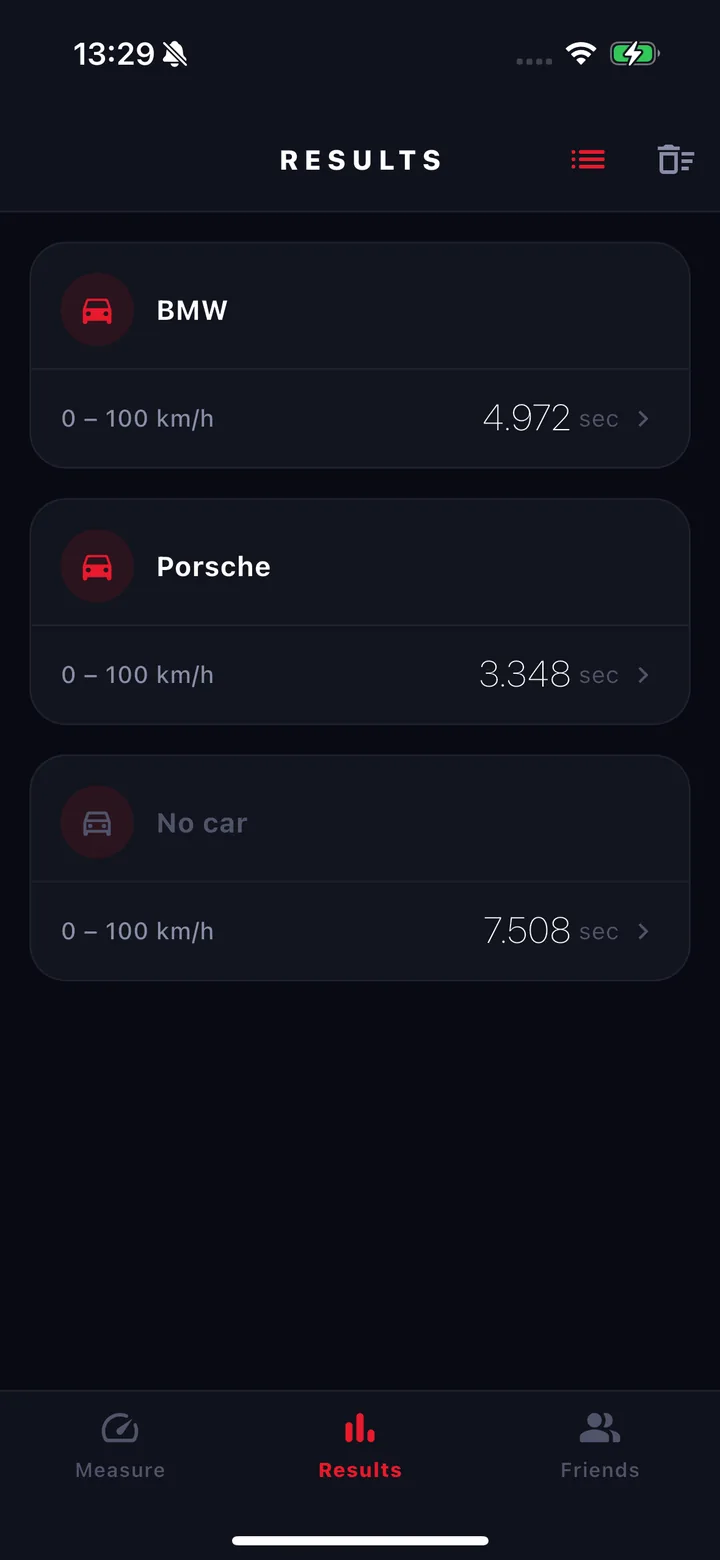
Every run drops into a ranked list per car and per target, podium marked, with each new personal best flagged the moment you set it. You always know whether that last launch actually counted.
- Ranked per car and per target
- Podium medals and PR badges
- Date, time and conditions kept with every run
- Records survive a switch between km/h and mph
The real thing
Not a render.
The actual app.
Straight from the phone, untouched.
Download
Ready to
measure?
Find out what your car really does. Free, no account, and your data stays on your device.